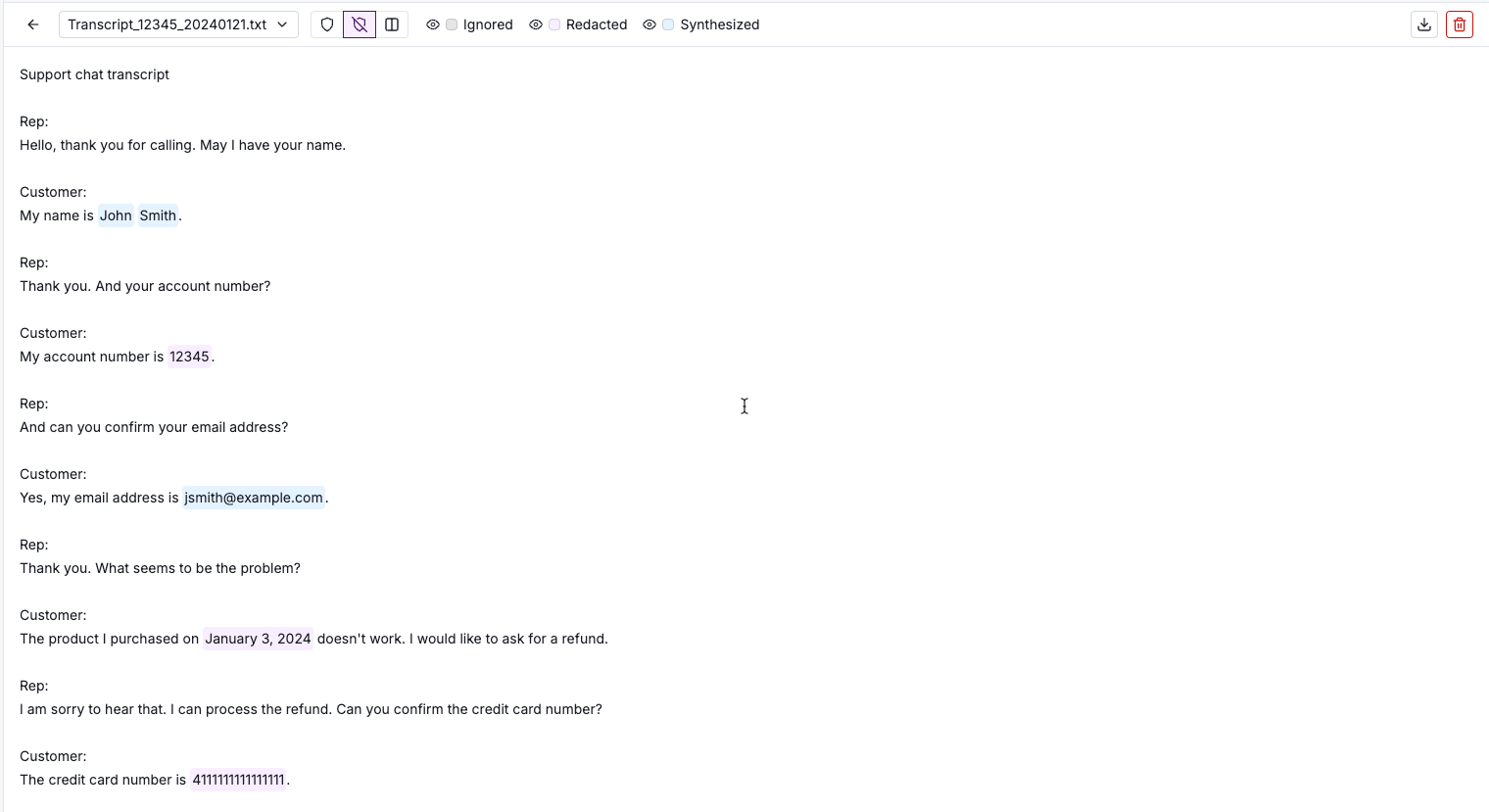
Selecting the view
De-identified view - output


Original view - source

Last updated
Was this helpful?
For a de-identified file, the preview by default shows the de-identified view, which reflects the output version of the file.
Sensitive values are redacted, synthesized, or ignored based on the dataset configuration.
For PDF and image files, for entity types that use the Redact handling option, the values are covered by black boxes.

For other types of files, redacted values are replaced with the entity type followed by a unique identifier.

To display the original version of the file, click the original value icon. In original view, the detected entities are highlighted.

Last updated
Was this helpful?
Was this helpful?