For each file in a dataset, you can download the output file.
Downloading a single output file
From the file list, to download a single output file, click the options menu for the file, then select the download option.
Datasets that generate redacted output files
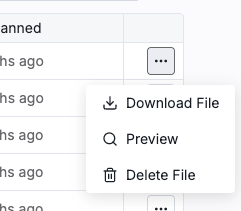
For datasets that generate redacted versions of the source files, the option is Download File.
File options menu with the download option Datasets that generate JSON output
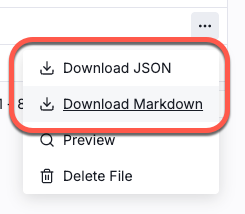
For datasets that generate JSON output, you can download either the JSON output or the redacted version of the Markdown content.
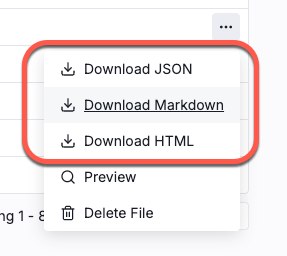
File options menu for a file in a JSON output dataset For RTF files, you can also download the redacted content in HTML format.
File options menu for an RTF file in a JSON output dataset Downloading all of the output files
To download all of the output files, click the download icon that is next to the file filter field.
Download all files icon on the dataset file list For datasets that generate redacted versions of the source files, the download happens immediately.
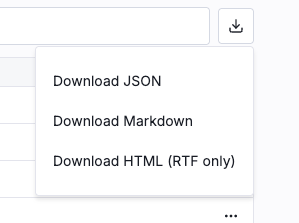
For datasets that generate JSON output:
To download the JSON output for the files, select Download JSON.
To download the redacted Markdown content for all of the files, select Download Markdown.
If the dataset contains any RTF files, then to download only the redacted HTML content for all of the RTF files in the dataset, select Download HTML (RTF only). If you select this option, then the download does not include other types of files.
Download all options for a JSON output dataset